




HDMI to VGA Adapter 1080p with Audio Cable
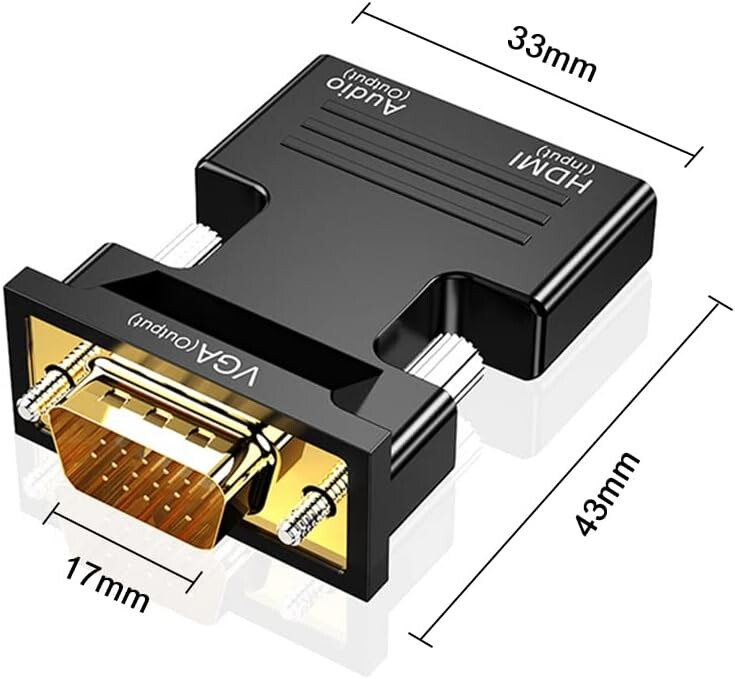
HDMI to VGA adapter is a compact bridge that allows you to connect modern digital devices to older analog displays. Since HDMI carries both high-definition video and audio while VGA only handles video, these adapters typically include a built-in conversion

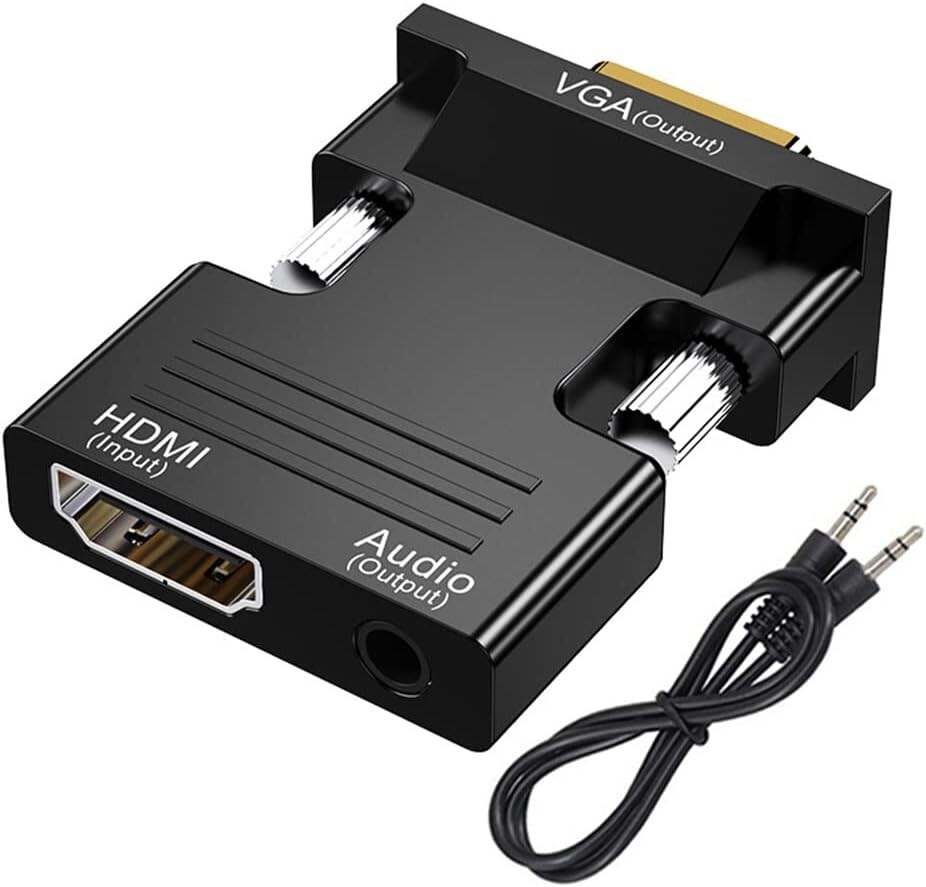
HDMI to VGA adapter is a compact bridge that allows you to connect modern digital devices to older analog displays. Since HDMI carries both high-definition video and audio while VGA only handles video, these adapters typically include a built-in conversion chip and an auxiliary port for sound.
Core Functionality
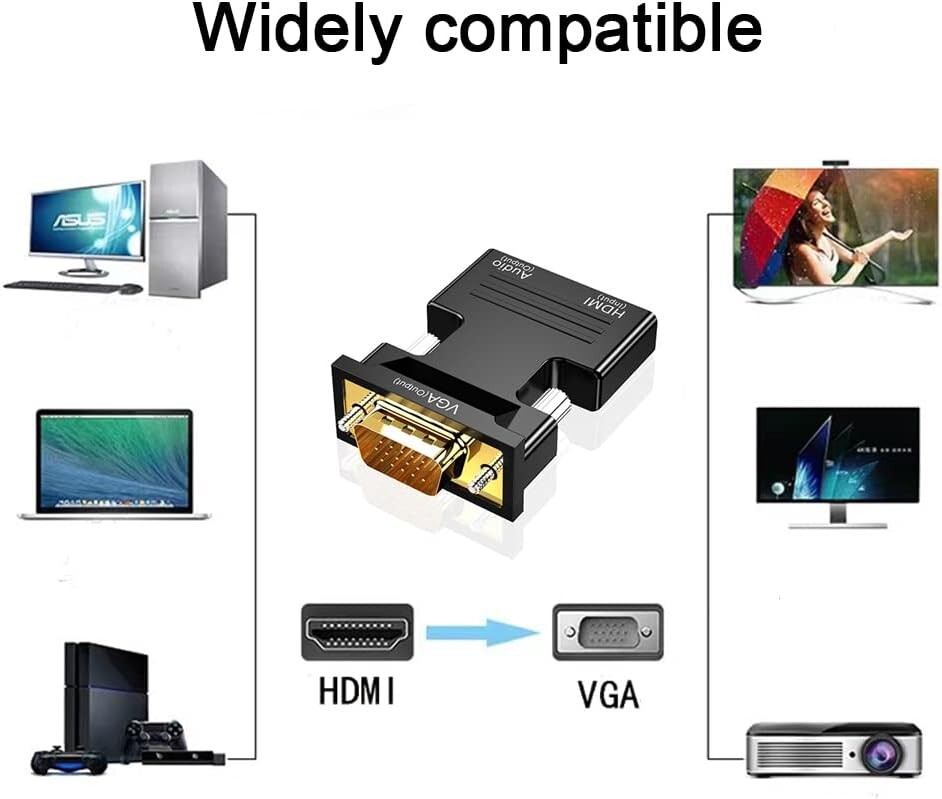
The adapter converts a digital signal (HDMI) into an analog signal (VGA). This is a one-way street; it is designed to take the output from a laptop, gaming console, or desktop and send it to an older monitor or projector.
Key Technical Specifications
Resolution Support: Most standard adapters support up to 1080p (1920 x 1080) at 60Hz. They are also backward compatible with lower resolutions like 720p.
Audio Integration: Because VGA cannot transmit audio, the adapter features a 3.5mm Jack. You connect the included audio cable from the adapter to your speakers or the "Audio In" port on your monitor.
Plug and Play: These devices are typically "driverless," meaning they work instantly upon being plugged in without needing software installation.
Optional Power: Some high-performance adapters include a Micro-USB port for external power. This is useful when connecting low-power HDMI devices (like a MacBook Pro or a TV stick) that might struggle to provide enough juice to run the conversion chip.
Common Use Cases
Legacy Monitors: Using an old, perfectly functional VGA monitor as a second screen for a new laptop.
Projectors: Connecting a modern laptop to an older ceiling-mounted projector in a classroom or office.
Gaming: Playing a PS4, PS5, or Xbox on a computer monitor that lacks HDMI inputs.
Important Note
Unidirectional: It will not work in reverse (you cannot connect a VGA computer to an HDMI monitor). For that, you would need a "VGA to HDMI" converter.
| Resolution Support | Most standard adapters support up to 1080p (1920 x 1080) at 60Hz. They are also backward compatible with lower resolutions like 720p. |
| Audio Integration | Because VGA cannot transmit audio, the adapter features a 3.5mm Jack. You connect the included audio cable from the adapter to your speakers or the "Audio In" port on your monitor. |
| Plug and Play | These devices are typically "driverless," meaning they work instantly upon being plugged in without needing software installation. |
| Optional Power | Some high-performance adapters include a Micro-USB port for external power. This is useful when connecting low-power HDMI devices (like a MacBook Pro or a TV stick) that might struggle to provide enough juice to run the conversion chip. |


