HP EliteBook x360 1030 G2
Compatible with Machines Model: EliteBook x360 1030 G2, EliteBook x360 1030 G2 1GY29PA, EliteBook x360 1030 G2 1GY30PA, EliteBook x360 1030 G2 1GY31PA, ELITEBOOK X360 1030 G2 1UX08PA Series Laptop ➤Battery comes with Stable Performance and High Backup Tim
Stock Status:
20,000 pcs
Delivery Status:
1-2days
Recommended Price:
KSH7,000
HP EliteBook x360 1030 G2
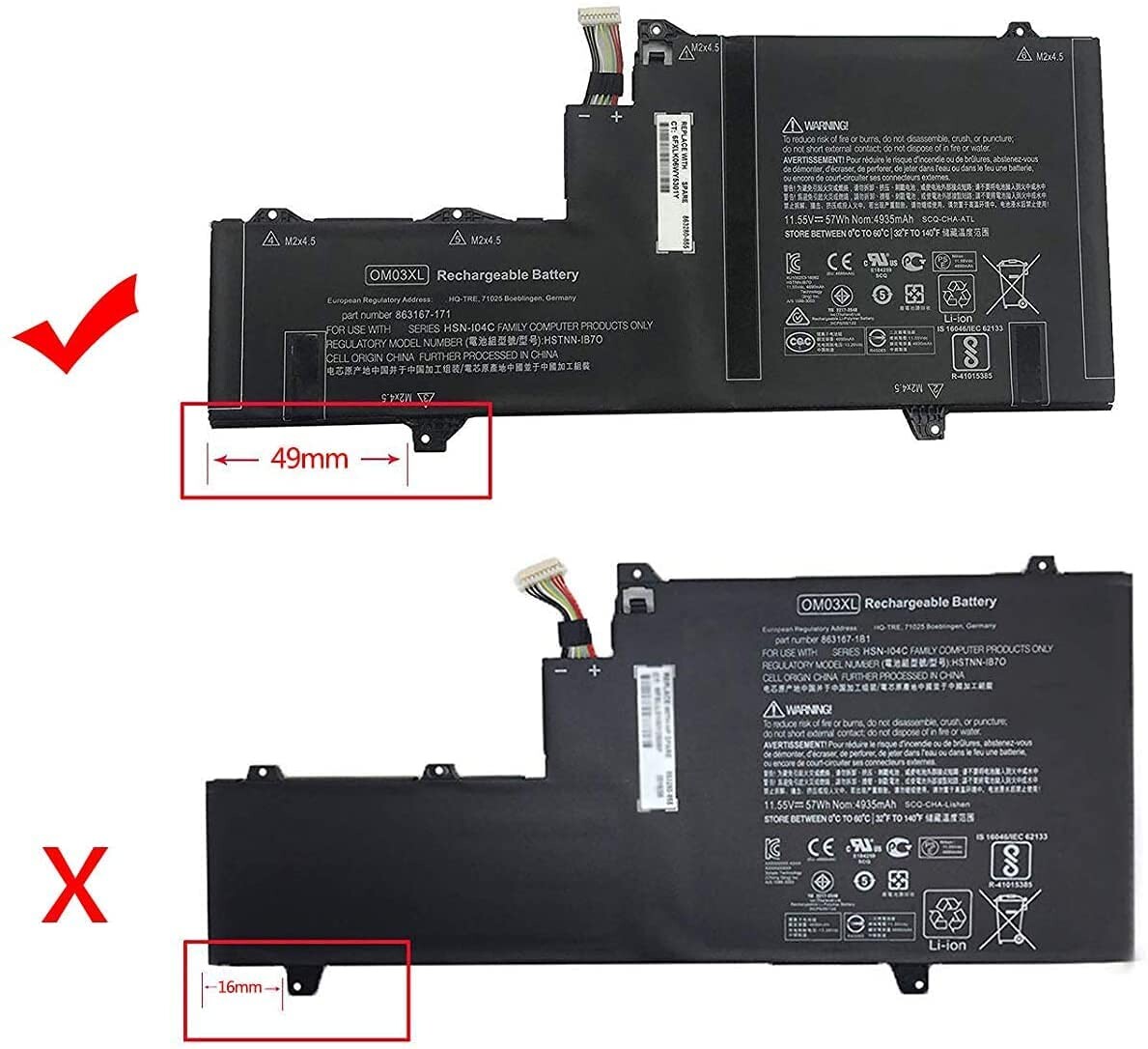
Model: HSTNN-IB7O; Color: Black. (This battery has two kinds of buckles, please check the picture to confirm your style, they are not universal.)
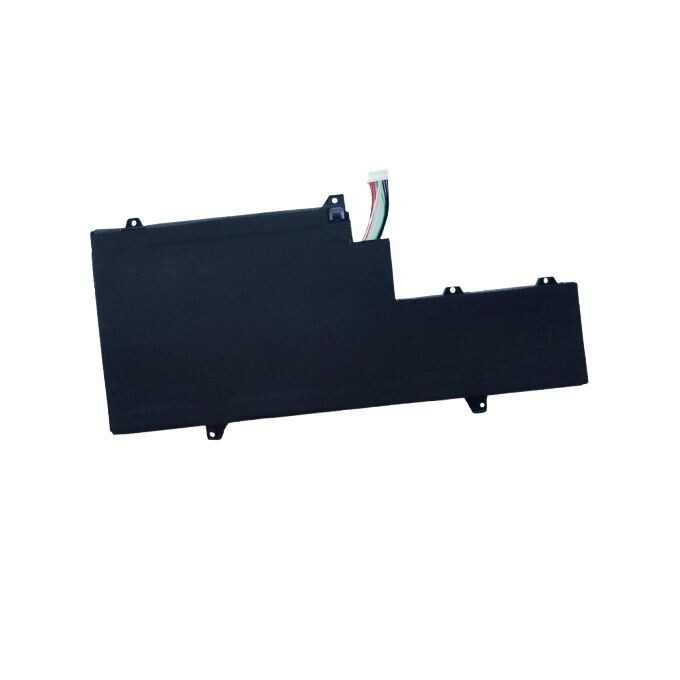
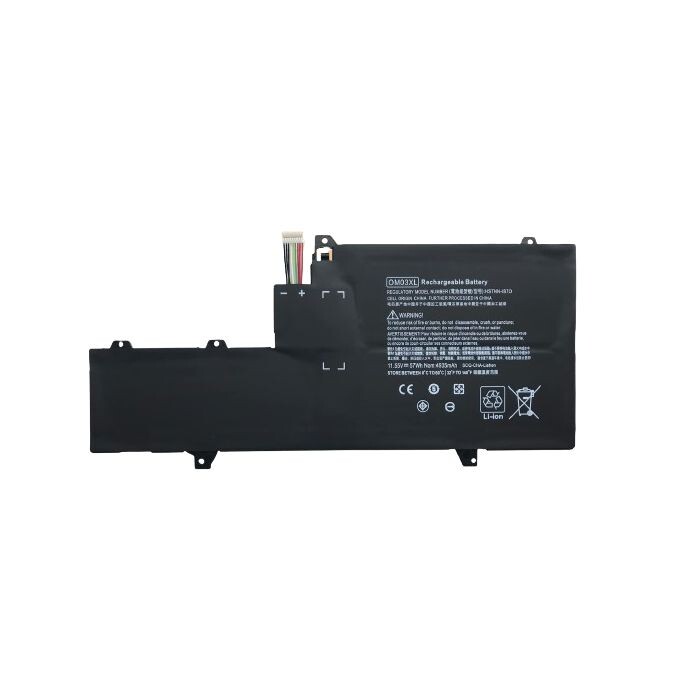
Replacement Part Number for: HSTNN-IB7O, OM03XL, OM03, HSN-I04C, HSTNN-IB70, 863167-171, 863280-855
Compatible with Machines Model: EliteBook x360 1030 G2, EliteBook x360 1030 G2 1GY29PA, EliteBook x360 1030 G2 1GY30PA, EliteBook x360 1030 G2 1GY31PA, ELITEBOOK X360 1030 G2 1UX08PA Series Laptop
➤Battery comes with Stable Performance and High Backup Time. Battery ensure Fast Charges and Low Power Consumption,
| 1, You need to turn off your laptop and disconnect the power. |
| 2, Disconnect the connection between the old battery and the motherboard to avoid unnecessary damage caused by disassembling the battery. Then unscrew the old battery screws one by one and carefully save each screw. |
| 3, Remove the old battery, carefully install the new battery on the battery case, screw in the screw, and connect the wiring of the new battery. |
| LAPTOP BATTERY |
| Installing New Battery Frequently Asked Question Solution |
|
| Q |
Why my computer didn't recognize this battery or I install this battery and it doesn't seem to work? |
| A |
The reason is residual power stored in the laptop components that was preventing the battery from working properly. Please disconnecting the old battery, and holding down the power button for 20 seconds, then connect the new battery. This drains the residual or flea power and once the laptop is reassembled the battery will function properly. |
| LAPTOP BATTERY |
| The following are troubleshooting methods |
|
| 5.Turn on laptop, allow OS to boot. |
| 6.Once logged in to the machine, perform a normal shut down. |
| 8.Replace battery. |
| LAPTOP BATTERY |
| Battery Maintenance Methods for Optimal Use |
| When you get the new battery, discharge the battery to 5% (not 0%), then charge to 95%, cycle 3-4 times to wake up the new battery. |
| The important point is to perform a full discharge and charge every other month to extend the battery life. |
| Do not connect adapter for a long time while using the battery. It may damage the battery. |
| Avoid artificial shocks, disassembly, crush or puncture. Do not dispose of it in fire or water. |
| Battery Maintenance Methods for Optimal Use |
| True Capacity |
The battery capacity are designed to meet the OEM’s specifications, stable and last long, provide stronger power for your laptop, not falsely labeled battery capacity. |
| Troubleshooting Methods |
Could be caused by battery loose. Please remove the battery and try to install more than once. May be due to conductive material damaged which the laptop motherboard and battery anode and cathode contact position, you can try to confirm it with your original battery. Check whether the battery drive is in normal condition, if not, download the corresponding driver software to update. |
| . |
Take out the battery and press the power button for about 15 seconds to consume the internal residual power (Do not connect the power cord) and then reinstall the battery. You can try several times. |