
M.2 NVMe/SATA SSD Enclosure - USB 3.1 Gen2
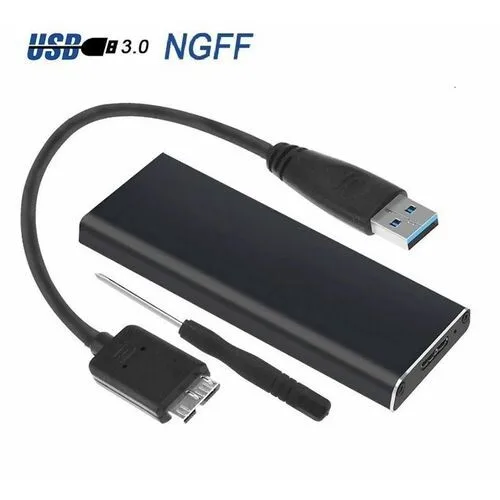
Hardware & Socket Compatibility
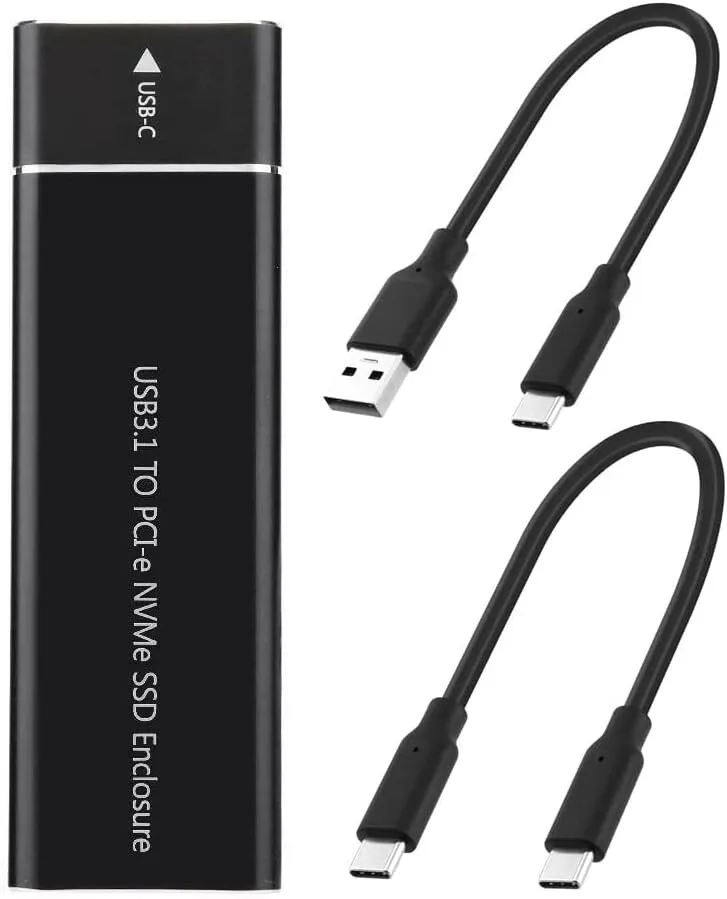
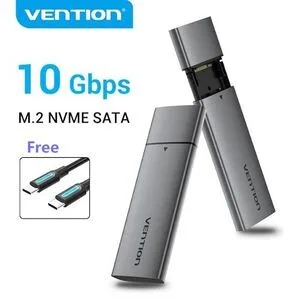
os: Linux · brand: Universal · enclosure_type: M.2 SSD External Enclosure (Dual Protocol (NVMe & SATA)) · supported_form_factors: M.2 2230, 2242, 2260, 2280 · host_interface: USB 3.1 Gen 2 Type-C (10 Gbps Bandwidth) · transfer_speed: Up to 10 Gbps (1000+ MB/s Real-World) · cooling_mechanism: All-Aluminum Alloy Body with Internal Thermal Pad · cables_included: USB-C to USB-C and USB-C to USB-A Cables · compatibility: Windows 11/10, macOS, Linux, iPad Pro, Android OTG · interface: USB 3.1 Gen2 · max_speed: Up to 5Gbps · material: Aluminum alloy
| Os | Linux |
|---|---|
| Brand | Universal |
| Enclosure Type | M.2 SSD External Enclosure (Dual Protocol (NVMe & SATA)) |
| Supported Form Factors | M.2 2230, 2242, 2260, 2280 |
| Host Interface | USB 3.1 Gen 2 Type-C (10 Gbps Bandwidth) |
| Transfer Speed | Up to 10 Gbps (1000+ MB/s Real-World) |
| Cooling Mechanism | All-Aluminum Alloy Body with Internal Thermal Pad |
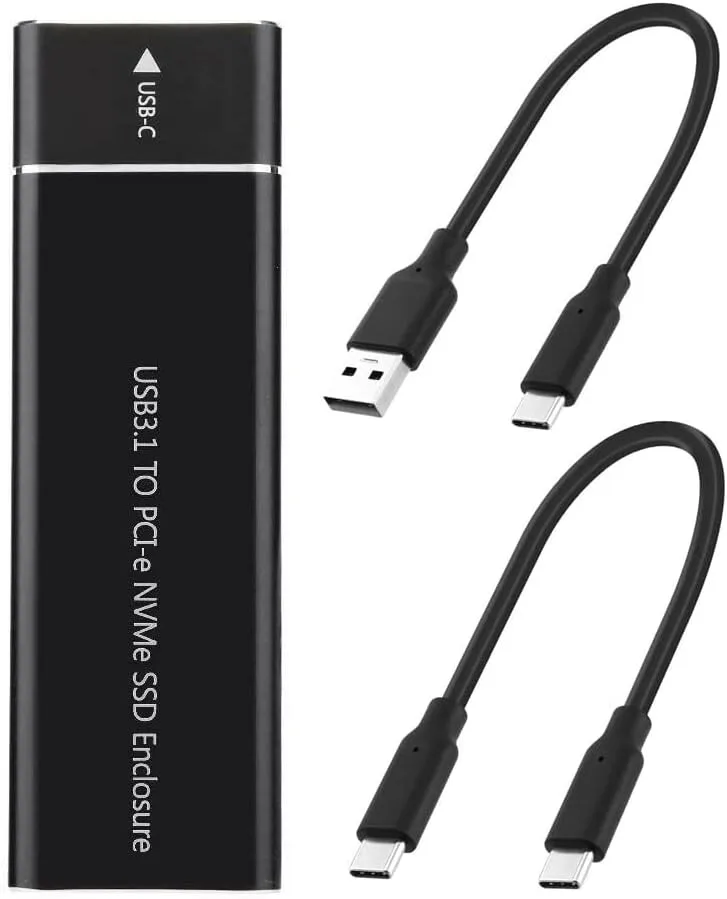
| Cables Included | USB-C to USB-C and USB-C to USB-A Cables |
| Compatibility | Windows 11/10, macOS, Linux, iPad Pro, Android OTG |
| Interface | USB 3.1 Gen2 |
| Max Speed | Up to 5Gbps |
| Material | Aluminum alloy |
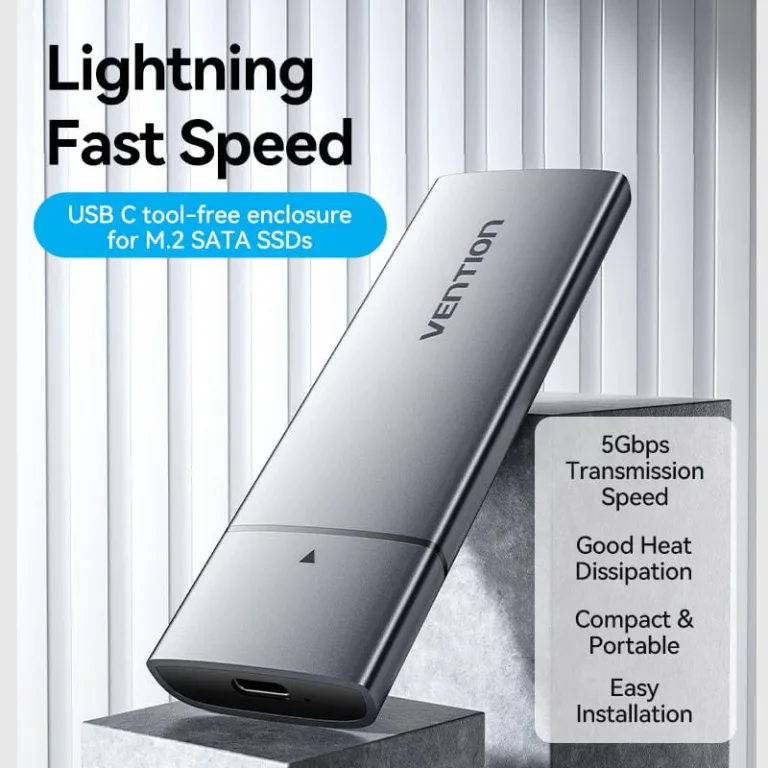
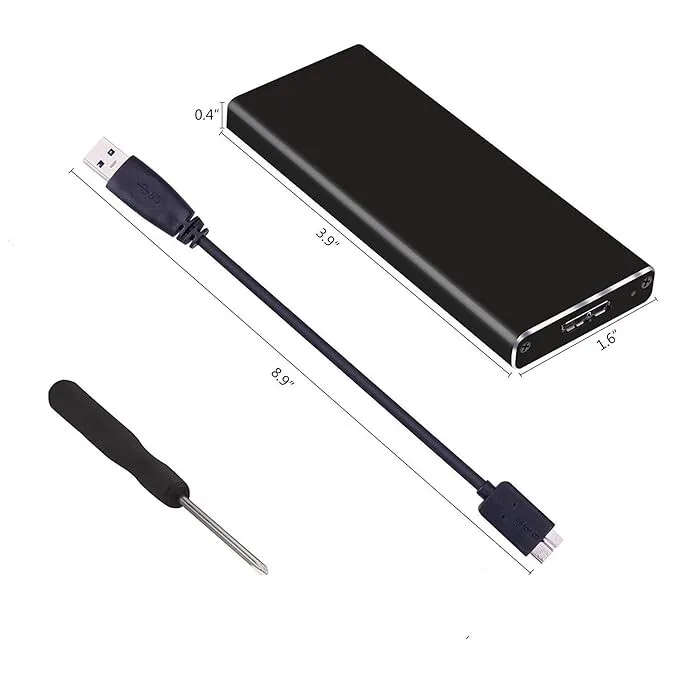
An M.2 SSD enclosure with a USB 3.1 Gen2 interface, up to 5Gbps transfer speed. Aluminum alloy body, plug and play, no drivers or external power needed. Compatible with Windows and Linux.
This M.2 SSD enclosure connects an M.2 (NGFF) SSD to a computer, with data transfer up to 5Gbps when used over USB 3.0.
- Aluminum alloy body - slim, durable, with good heat dissipation.
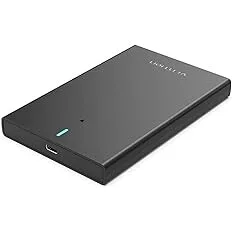
- Blue LED indicator shows the transfer/connection status.
- Plug and play - no drivers or external power supply needed. Compatible with Windows and Linux, laptop and desktop.
SpecificationsInterfaceUSB 3.1 Gen2Max transfer speedUp to 5GbpsMaterialAluminum alloy
SSD not included - fit your own M.2 SSD.
Return & Refund Policy
Return Period
We offer a 30-day return policy from the date of purchase. Items must be returned in their original condition with all tags and packaging intact.
Eligible Items
- Items must be unused, unworn, and unwashed
- Original tags and labels must be attached
- Items must be in original packaging if applicable
- Proof of purchase is required
Non-Returnable Items
- Items that have been worn, used, or washed
- Items without original tags or packaging
- Personalized or customized items
- Items purchased on sale (unless defective)
How to Return
- Contact our customer service team to initiate a return
- Receive a return authorization number
- Package the item securely with the return form
- Ship the item back using a trackable shipping method
Refund Process
Once we receive and inspect your returned item, we will process your refund within 5-7 business days. Refunds will be issued to the original payment method used for purchase.
Customer Reviews
Share your experience with this product
No reviews yet. Be the first to review this product!
Related Products
Buying & Setup Guides
Expert tips, setup advice, and buying guides

Ex-UK vs New Laptops: Which Should You Buy in Nairobi?
A genuine comparison of Ex-UK refurbished and new laptops in Nairobi — build qua...

5 Warning Signs You're About to Buy a Mis-Sold Laptop in Nairobi
Five practical warning signs to watch for so you don't get mis-sold a laptop in...