
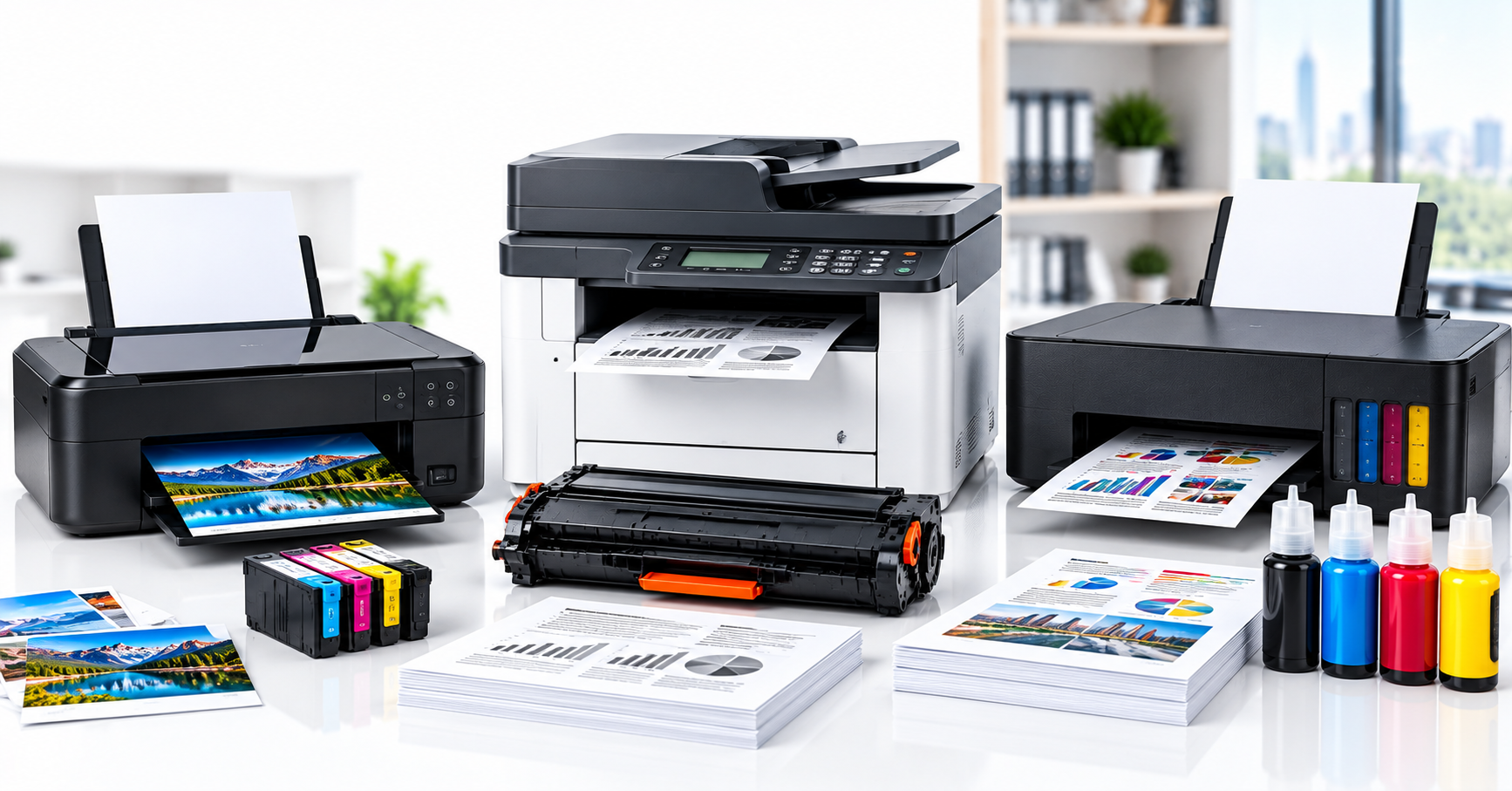
Printer shopping usually starts with the wrong question, "which brand?", when the one that really decides it is "how many pages a month, and what's on them?" Inkjet, laser and ink-tank printers all answer that differently. Match the technology to your real printing habits and the right choice stops being close.
The upfront-cost trap
Inkjet printers are the cheapest to buy. Spraying liquid ink onto the page keeps the hardware simple and the price low, which is exactly why they're the default in homes. But the cartridges are small, and regular printing burns through them fast, which pushes the real cost-per-page higher than the sticker price suggests. A printer that looked like the budget option in the shop can end up the expensive one by month three.
Laser printers cost more upfront and use toner instead of ink, a dry powder fused onto the page with heat rather than sprayed on as liquid. Toner cartridges last far longer, often thousands of pages, which is what brings the per-page cost down for anyone printing in volume. It's also why laser is the standard choice in offices: it's built for the volume an office actually generates, not for the occasional page a household prints.
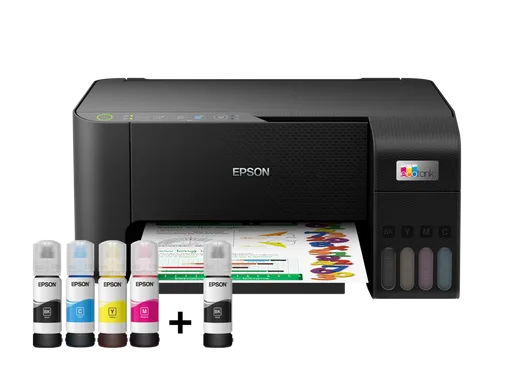
Ink-tank printers split the difference in an unusual way. The hardware costs more than a basic inkjet upfront, because you're paying for refillable tanks instead of disposable cartridges. Once you're topping up from ink bottles rather than buying small cartridges repeatedly, the cost per page drops dramatically, low enough to rival laser, while keeping inkjet's colour quality. The upfront number scares people off before they do the maths on month six.
What the page actually looks like
Text tells the story clearest with laser: toner fuses as fine dry particles, which is why laser output resists smudging the moment it leaves the printer, and why it's the safer choice for anything that'll be handled immediately, such as invoices, contracts, or forms someone signs on the spot. Liquid ink, whether from a cartridge or a tank, produces richer colour gradients, which is why photo and graphics printing still leans inkjet or ink-tank even as laser colour has improved. If your output is mostly text, the difference between the three is smaller than the cost-per-page gap. If you're printing photos or detailed colour graphics regularly, that gap flips in the other direction.
Idle time matters more than people expect
Inkjet print heads can clog if the printer sits unused for weeks. The liquid ink dries in the nozzles, and the fix is usually a cleaning cycle that burns through ink you haven't even used for printing. Laser has no equivalent failure mode; toner doesn't dry out, so a laser printer that sits idle between bursts of office use is a non-issue. Ink-tank sits in between: still liquid ink, but the delivery system is generally more clog-resistant than a small disposable cartridge. If your printing is occasional rather than steady, that's worth weighing alongside the cost-per-page numbers.
Matching the printer to the volume
A household printing a handful of pages a month rarely justifies an ink-tank printer; the break-even point where the tank pays for itself is simply too far off. A basic inkjet is the sensible, low-cost call there. A small office printing hundreds of pages a month, mostly text, is almost always better served by laser: the toner savings compound fast at that volume, and the crisp, smudge-resistant text is what an office needs day to day. A home or small office printing frequently in colour, whether reports, marketing material, or the occasional photo, is where ink-tank earns its higher upfront cost.
One thing that matters regardless of which you pick
Match genuine or compatible toner and ink to the exact model. The wrong cartridge, or a poor-quality compatible one, is a common cause of both print-quality problems and printer faults down the line, an easy way to undo whatever you saved by choosing the right printer category in the first place. If you're still unsure which category fits, describe your typical monthly volume and colour-versus-text mix to a supplier and let that drive the recommendation, not the price tag on the box.

Comments (0)
No comments yet. Be the first to share your thoughts!