How to check an Ex-UK laptop's battery health before buying
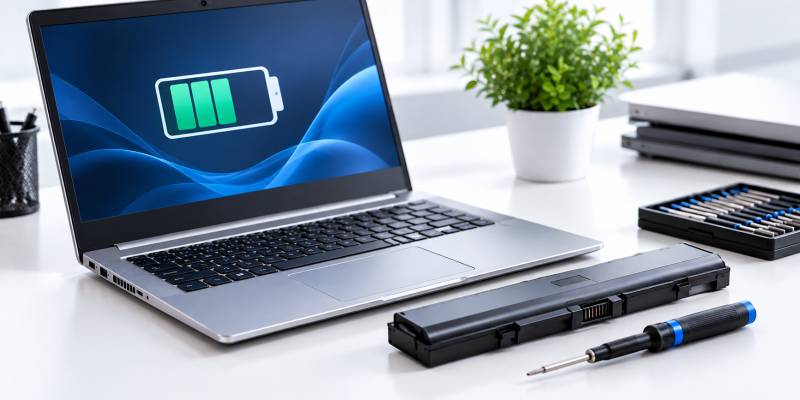
Run Windows' built-in battery report (powercfg /batteryreport in Command Prompt) and compare
Full Charge Capacity to Design Capacity — the percentage tells you the battery's real
health. Above 80% is healthy, 60–80% is worn but usable, and below 60% means you should budget for
a replacement soon. Ask the seller to let you run this before you pay.
Contents
- Step-by-step: running the battery report
- What the numbers mean
- What a good seller should already tell you
- How Priscom handles battery health
- FAQ
Step-by-step: running the battery report {#steps}
- Press Windows key, type
cmd, right-click Command Prompt and choose "Run as administrator" (or just open it normally — the report still generates). - Type
powercfg /batteryreportand press Enter. - It saves an HTML file — the path is shown in the output (usually your user folder). Open it in a browser.
- Find the "Design Capacity" and "Full Charge Capacity" figures under Battery Information.
- Divide Full Charge Capacity by Design Capacity and multiply by 100 — that's the battery's current health percentage.
If the laptop is genuinely new (not Ex-UK), this same check also confirms it: a real new unit shows a battery cycle count in the low single digits.
What the numbers mean {#numbers}
- Above 80% — healthy, expect normal runtime for the machine's age.
- 60–80% — worn but usable; reasonable to negotiate the price down for this.
- Below 60% — budget for a replacement battery soon; this should be reflected clearly in the price.
What a good seller should already tell you {#seller}
A shop that tests its Ex-UK stock should be able to tell you the battery health before you ask — not just let you check it yourself. If a seller can't or won't give you this figure, that's a warning sign about how much testing actually happened before the unit went on sale.
How Priscom handles battery health {#priscom}
Priscom deals in Grade A stock only, with every unit's battery tested against a minimum 70% health floor before it's sold. This is a pre-sale testing standard, not a warranty term — the battery inside an Ex-UK unit is covered under the 3-month Priscom warranty against functional failure, though runtime/capacity naturally varies with age and prior use so no specific ongoing health percentage is separately guaranteed after purchase.
FAQ {#faq}
How do I check a laptop's battery health on Windows?
Run powercfg /batteryreport in Command Prompt, open the generated HTML file, and compare Full
Charge Capacity to Design Capacity. The percentage is the battery's current health.
What's a good battery health percentage for a used laptop?
Above 80% is healthy. 60–80% is usable but worn — negotiate the price. Below 60% means budgeting for a replacement soon.
Does Priscom test battery health before selling an Ex-UK laptop?
Yes — every unit is tested against a minimum 70% health floor before sale, as part of Priscom's Grade-A-only stock policy.