Is an SSD upgrade worth it for a slow laptop?
Usually, yes — if your laptop is slow to boot and slow to open programs but otherwise handles what you throw at it once things are open, it's very likely still running a mechanical hard drive (HDD), and an SSD upgrade is the single biggest speed fix available for that machine. If it's also slow while things are open — freezing with a few tabs or programs running — low RAM is the more likely culprit, and needs its own upgrade.
Contents
- Why laptops slow down over time
- SSD or RAM — which one fixes your specific problem
- When an upgrade isn't worth it
- The upgrade process
- FAQ
Why laptops slow down over time {#why-slow}
Most "my laptop got slow" complaints aren't really about age — they're about one of three things: a mechanical hard drive that was always going to feel slow by today's standards, not enough RAM for how you use it now (more browser tabs, more background apps than when you bought it), or a storage drive that's nearly full, which slows both HDDs and SSDs down as they run out of working space.
SSD or RAM — which one fixes your specific problem {#which}
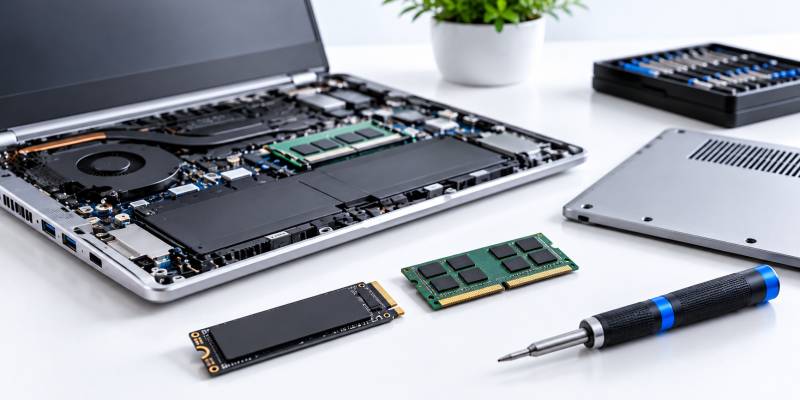
- Slow to boot, slow to open programs, generally sluggish even doing one thing at a time → almost certainly the drive. An SSD upgrade fixes this.
- Fine when doing one thing, freezes or slows down with several tabs/programs open → almost certainly RAM. Adding RAM fixes this.
- Both symptoms → do both together for the biggest improvement; this is the most common combination on an older business laptop.
When an upgrade isn't worth it {#not-worth-it}
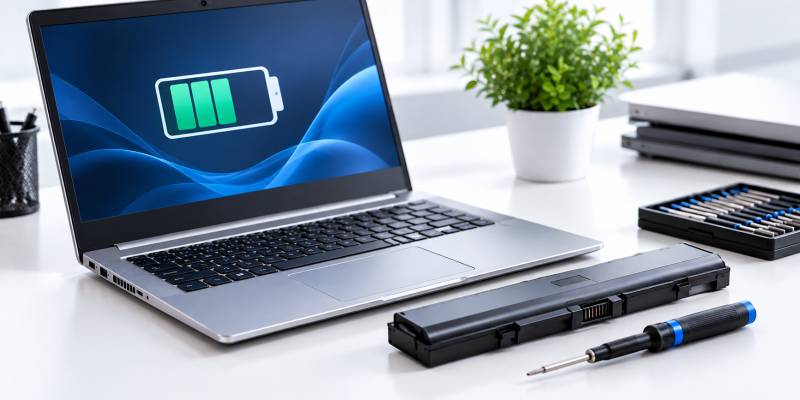
An upgrade stops making sense when the laptop has other significant problems too — a failing battery, a cracked screen, or a CPU that's genuinely too old for what you need it to do (heavy video editing on a decade-old dual-core, for instance). In that case, compare the upgrade cost against a tested Ex-UK replacement — a newer used business laptop can cost about the same as a full round of repairs and upgrades on an old one, with a warranty attached.
The upgrade process {#process}
Bring your laptop to Priscom's Luthuli Avenue workshop. A diagnostic fee applies to confirm which upgrade (SSD, RAM, or both) actually fixes your specific slowdown before any work starts — see SSD & RAM upgrade for pricing and what's included (data migration included with every SSD upgrade).
FAQ {#faq}
Will an SSD upgrade make my old laptop feel new again?
For boot time and program-launch speed, yes, dramatically — it's the single biggest speed upgrade available for a laptop still on a mechanical hard drive.
Should I upgrade my RAM or my storage first?
If the laptop is slow doing one thing at a time (booting, opening a single program), fix the storage first. If it's fine until you open several things at once, fix the RAM first.
Is it worth upgrading a really old laptop, or should I just replace it?
If the machine is otherwise sound (working screen, healthy battery, capable-enough processor for your needs), an upgrade is usually the cheaper fix. If it has multiple problems, compare the total upgrade/repair cost against a tested Ex-UK replacement.